
Callout lifecycle
A callout is AURA’s on-demand emergency-response request (as opposed to a scheduled service). When you create one, AURA’s control room dispatches a responder and tracks the incident through to resolution. This guide describes the stages a callout moves through; each links to the API Reference for the exact request and response.
Create a callout
Create a callout for a customer with a response type and a location. A callout
takes either live coordinates (latitude/longitude) or a
predefinedLocationId for a Fixed Location — not both. Live callouts require
the customer to have an active subscription.
Two behaviours worth designing for:
- If the customer already has an active callout, creating another returns the existing callout instead of opening a second incident.
- For some integrations a legacy try-before-signup grace applies: a customer’s first callout can succeed without a subscription so the service can be experienced before payment. Do not design around it — activate the subscription at onboarding and treat the grace as a transitional behaviour only available by arrangement.
For Fixed Location emergencies, create it against a Fixed Location instead (see Fixed Locations).
Reference: Create a customer callout.
Keep the callout location current
While a callout is active, keep its location current by submitting the customer’s latest coordinates as they move. There are two location-update operations:
- Update callout location — submits the coordinates only.
- Update callout location and return callout — submits the coordinates and returns the latest callout state in the same call, designed for polling while a callout is active.
Reference: Update callout location, Update callout location and return callout.
Once a callout is closed, further location updates are rejected with Panic
API’s custom HTTP 285 status (the latest callout state is still returned), so
you can stop polling.
Track progress
Follow a callout in one of two ways:
- Poll — call Update callout location and return callout (or Get a callout) to read the current state on an interval.
- Subscribe to webhooks to receive lifecycle events as they happen — see the Webhooks guide. Webhooks avoid polling and are preferred for server-to-server integrations.
In-callout events (comments, status notes) are exchanged through the callout’s event stream.
The read endpoints return a richer, nested shape than the creation
response: incident, location, and dispatch detail are grouped under
incidentInformation[] (with calloutCurrentLocation and
dispatchInformation). Don’t reuse your create-response model when polling —
see Get a callout in the API Reference for the exact schema.
Reference: Get a callout, Read callout events, Send a callout event.
Callout statuses
Rounded nodes are status values the API returns. Diamonds are decisions taken
inside AURA, not statuses — you will never see them in a payload.
A callout’s status field moves through these states. The values are returned
exactly as shown — note the mixed casing (created, closed, pending and
acknowledged are lowercase; the responder states are title case), so compare
them exactly.
Redistribution, and why status is not forward-only
When a dispatched responder stands down or the control centre moves the callout to
someone else, AURA redistributes it. Redistribution always parks the callout on
pending first, then lands on one of two states depending on what was chosen:
So a normal sequence can include created → Responder Dispatched → pending →
created → Responder Dispatched. Treat created, pending and
Responder Dispatched as active and in progress. Do not interpret pending,
or a return to created, as a new callout or as a terminal failure.
pending is also the status of a callout created with dispatch deferred, so it is
not exclusively a redistribution state.
You may occasionally observe other transient statuses while polling — treat any unknown value as in-progress rather than terminal.
Stop sending location updates once a callout is closed.
Callout tracking
When you create a callout with initial coordinates, the response includes a hosted tracking URL for real-time tracking — see Callout tracking.
Cancel a callout
Cancel a callout when it is no longer needed. There are two modes:
- Customer cancellation — supply a
safeCode(the last four digits of the customer’s registered mobile number) to confirm the cancellation came from the customer. - Integration cancellation — cancel without a safe code from a trusted backend, optionally with exception reasons for the dispatch record.
Reference: Cancel a callout.
Collect a rating
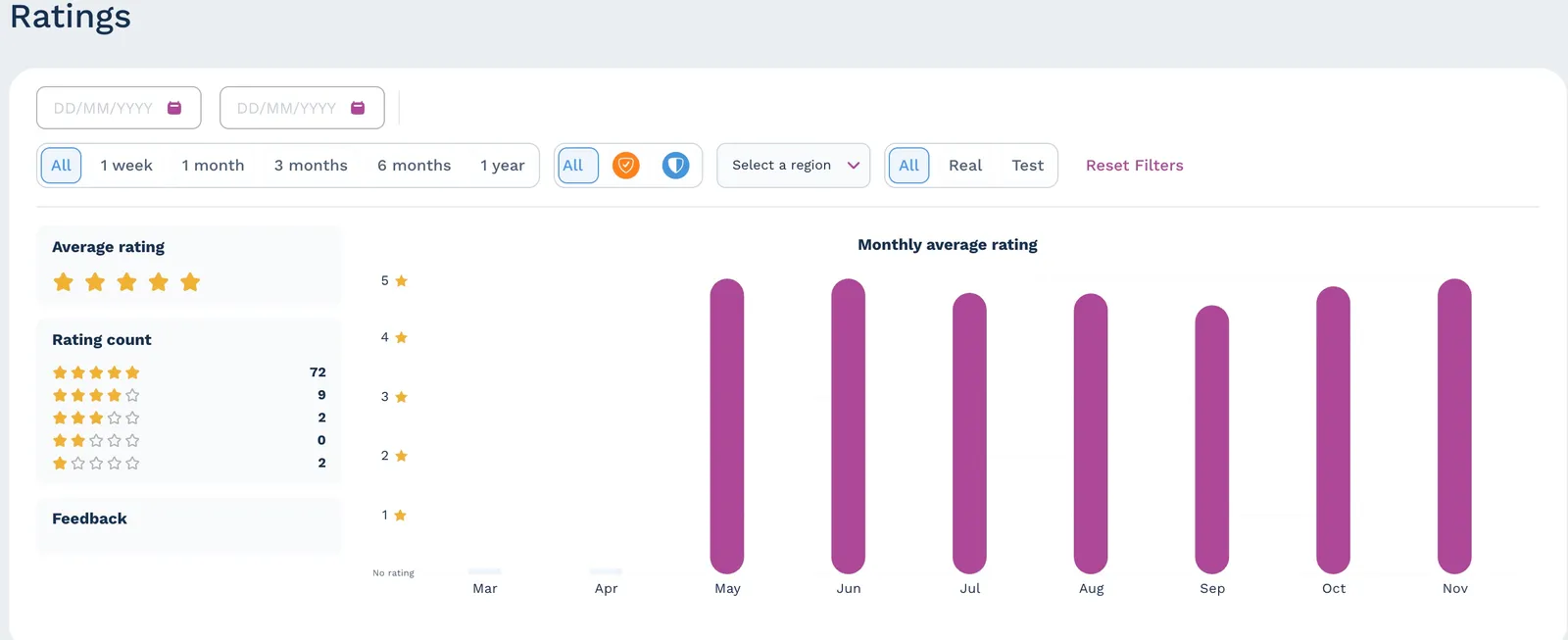
Capture customer feedback on the response to close the loop. Ratings are summarised for you in the AURA portal (average, distribution, and trend over time).
Reference: Submit a callout rating.