

Aura Panic API
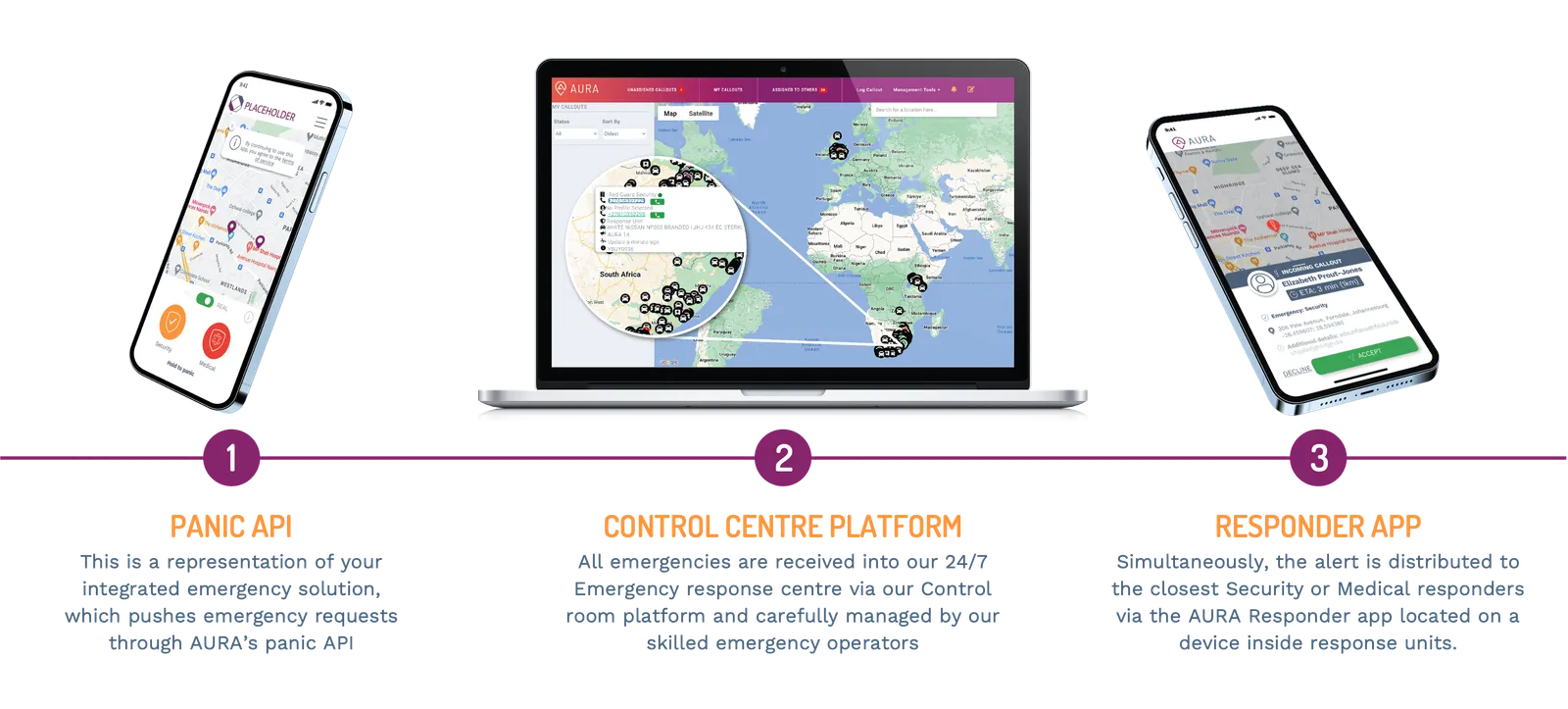
The Aura Panic API lets trusted integrations onboard customers, manage subscriptions, configure fixed locations, create and update callouts, receive webhook events, and connect selected device or gateway flows.
Base URLs
- Staging sandbox:
https://staging-panic.aura.services - Production:
https://panic.aura.services
All endpoint paths are prefixed with /panic-api/v2 — for example
https://staging-panic.aura.services/panic-api/v2/customers. (The only
exceptions are the bulk fixed-location CSV routes, which use /v1/... paths on
the same host.)
Use staging as your developer playground. It is the environment for building the integration, exercising customer and subscription flows, creating test callouts, validating webhooks, and confirming operational behaviour before anything can affect live customers.
Testing on staging
Do all callout testing with the Responder Simulator in the
AURA portal (Integration →
Responder simulator — visible to admin users only, and only in the staging
environment). Create a callout via the API, enter the returned
calloutId in the simulator, and step it through dispatch, arrival,
completion, and closure — no AURA involvement needed.
- Staging callouts are never closed automatically — there is no live control room driving them; the simulator is how you progress and close them.
- Each simulator step emits the same webhook event as a live response (dispatch, arrival, completion, closure, and cancellation), so you can test your webhook receiver end to end. See Testing with the Responder Simulator.
Moving from staging to production requires AURA signoff. Before production credentials are issued or enabled for live response, work through the relevant Go-live checklist for your product path and confirm the integration behaviour with your AURA contact.
Product Offerings
Choose the integration path that matches your product:
- People Protect: Embed on-the-go safety, GPS tracking, and emergency medical response into your mobile app or wearable devices. Includes IoT device integrations for buttons and wearables.
- Property Protect: Connect residential or commercial property alarm systems to AURA’s dispatch network. See the Monitoring Platforms and Smart Home Security use cases.
- White-label App: Offer AURA’s pre-built mobile safety application branded as your own.
These patterns combine: a monitoring platform may also register IoT devices, and a smart-home product may mix hosted signup with Fixed Location callouts.
Browse the Core concepts in the sidebar to understand platform-wide mechanics like authentication, callout lifecycles, and webhooks.